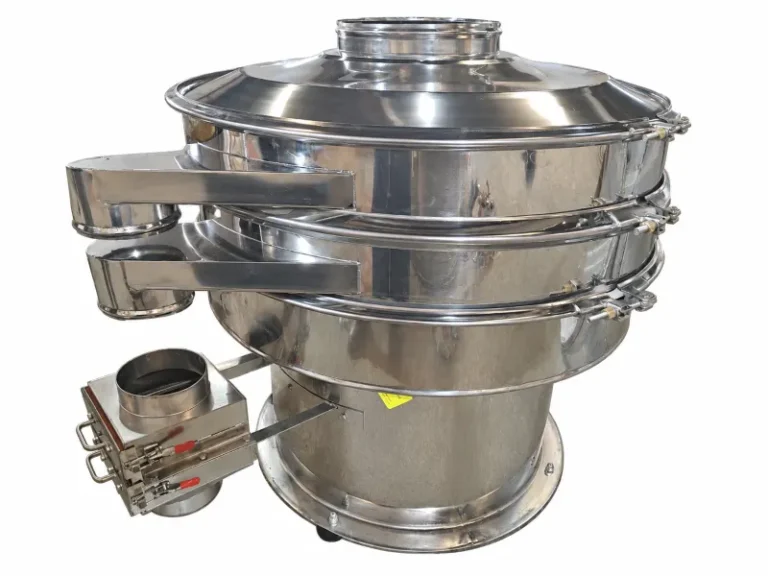
원형 진동 스크린에 공급이 안 되는 이유는 무엇인가요? 6가지 일반적인 원인과 해결 방법
A circular vibrating screen is powered by a vibration motor, which drives the screen and the material on its surface to move together. It is widely used for screening, impurity removal, breaking up agglomerated powder, and loosening materials, making it suitable for a wide range of applications. However, during operation, you may sometimes find that a circular vibrating screen not feeding properly is causing material buildup or poor screening performance. What causes this problem, and how can you fix it?
If a 원형 진동 스크린 not feeding properly, the problem is usually related to vibration settings, feeding conditions, material properties, screen inclination, 스크린 막힘, or mechanical components. Checking these factors in the right order can help identify the cause and restore normal material flow.

Why Is Material Not Moving on a Circular Vibrating Screen?
만약 원형 진동 스크린 not feeding properly is running but the material is not moving as expected, you may notice several common symptoms:
Material stays in the center:
The vibration force may be too low, or the vibration settings may be incorrect.
Material moves too slowly:
When a circular vibrating screen not feeding properly moves material too slowly, the screen angle, vibration force, or feed rate may not be suitable.
Material builds up on the screen:
Fine, wet, or sticky materials may block the screen mesh.
Material moves to one side:
Uneven feeding, an unlevel screen, or damaged support parts may affect material flow.
Material does not reach the discharge outlet:
Incorrect vibration settings, screen inclination, feed rate, or poor material flowability may be the cause.
These symptoms can help identify the problem, but the actual cause should be checked from the vibration system, screen mesh, feeding conditions, material, installation, and mechanical parts.
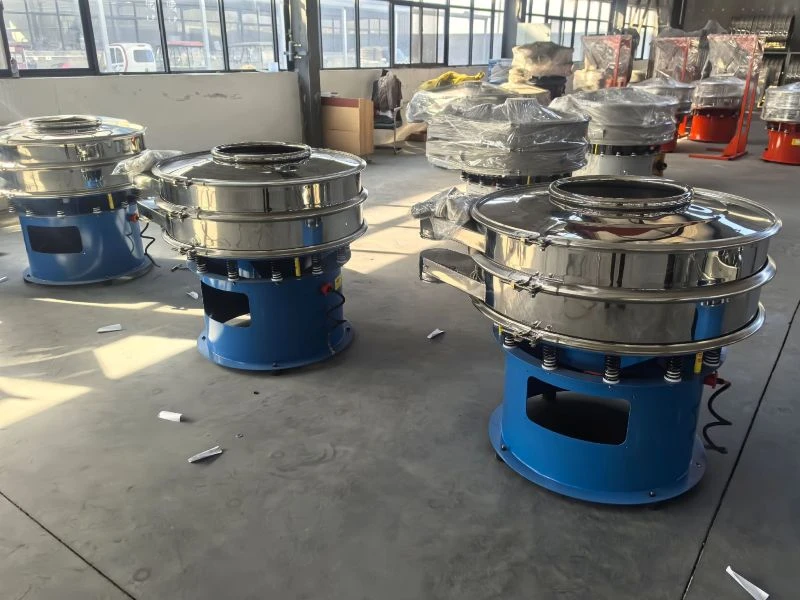
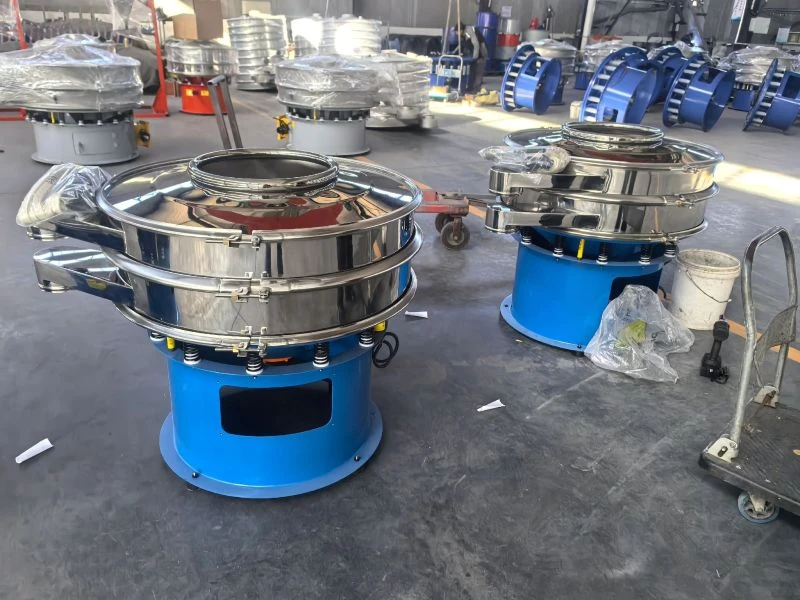
6 Common Causes of a Circular Vibrating Screen Not Feeding
1. Incorrect Vibration Motor Angle or Settings
If the angle between the upper and lower weights is incorrect, or the excitation force is too low, the material may not get enough tangential force to move forward. This can cause slow or poor material flow.
Solution:
Check the angle and position of the upper and lower weights and make sure the settings are consistent. Adjust the angle and counterweight based on the material. In general, a smaller angle helps the material spread faster, while a larger angle keeps the material on the screen longer.
2. Blocked, Loose, or Damaged Screen Mesh
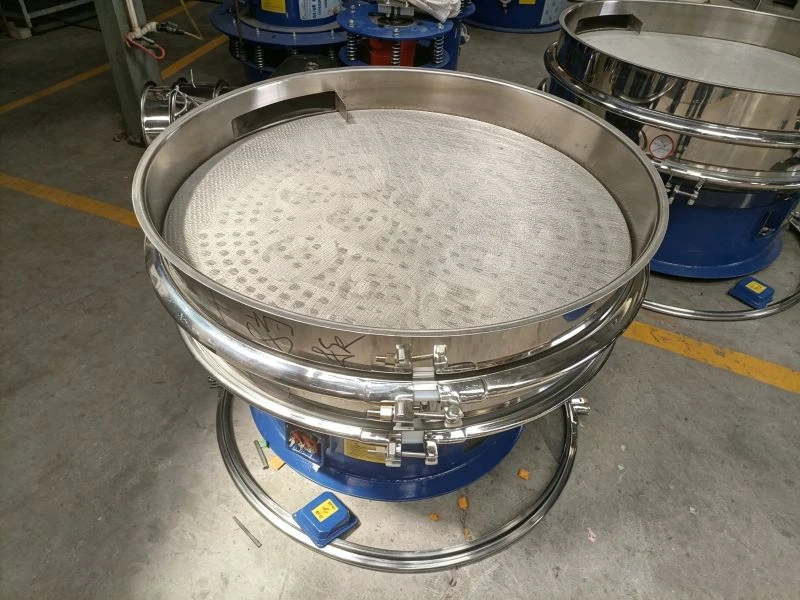
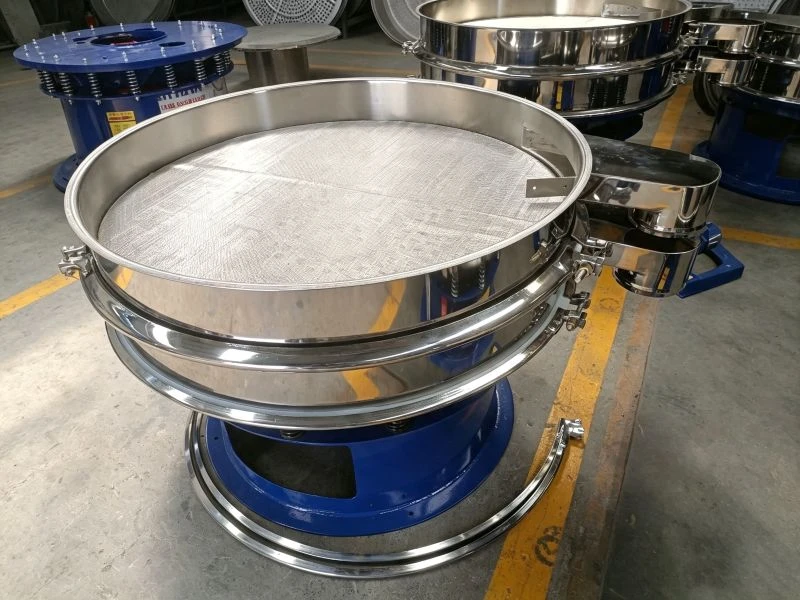
A loose, sagging, damaged, or heavily blocked screen mesh can affect material flow and may cause a circular vibrating screen not feeding properly. A blocked discharge outlet or an unevenly installed machine can also cause material buildup.
Solution:
Check the screen tension and clean or replace the screen mesh when needed. Also check the discharge outlet and support springs to make sure the machine is installed properly and remains level.
3. Material Is Too Wet, Sticky, or Difficult to Flow
Wet powder, sticky materials, and fibrous materials can easily stick to the mesh or form lumps. This can block the screen openings and prevent material from moving properly.
Solution:
Clean the screen mesh and reduce the moisture content when possible. Break up material lumps before screening. For fine or sticky materials that tend to block the mesh, a bouncing ball or ultrasonic screen cleaning system can be used.
4. Incorrect Screen Inclination or Installation
A screen angle that is too low can reduce material movement and cause poor flow. An uneven installation can also make material move toward one side of the screen.
Solution:
Check the screen angle and machine level, and adjust the angle according to the material and screening requirements. For common circular vibrating screens, the screen angle is generally around 16°–20°, but the actual setting should follow the machine design and screening results.
5. Excessive or Uneven Feeding
Too much material can create a thick layer on the screen and make it difficult for the material to move, which may result in a circular vibrating screen not feeding properly. Uneven feeding can also cause material buildup in certain areas.
Solution:
Reduce the feed rate if necessary and adjust the feeding system to provide a steady and even flow of material across the screen. Avoid feeding too much material into one area.
6. Vibration Motor or Mechanical Problems
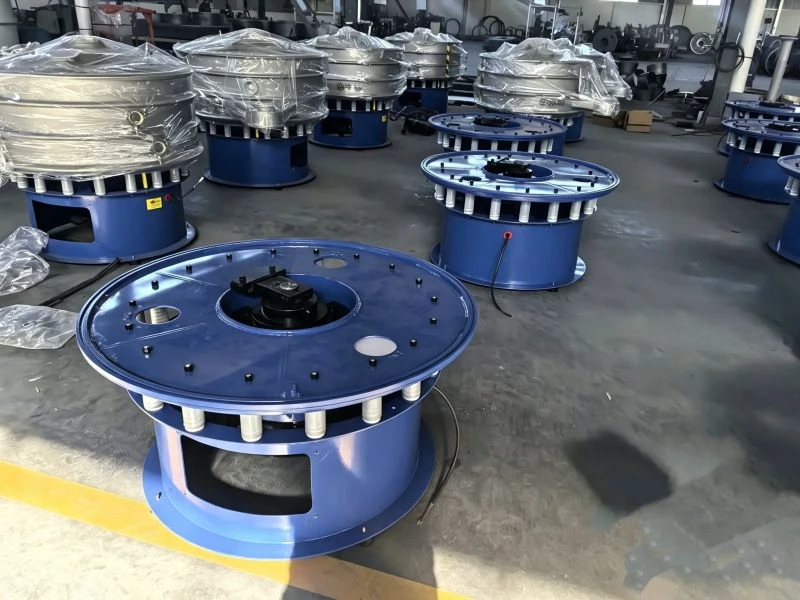
A faulty vibration motor, incorrect eccentric weight setting, worn springs, damaged bearings, or loose bolts can affect the normal vibration of the screen.
Solution:
Check the vibration motor, eccentric weights, springs, bearings, and fasteners. If you find abnormal noise, overheating, loose parts, or damage, repair or replace the affected components in time.
When a circular vibrating screen is not feeding properly, check the vibration settings, 스크린 메쉬, material condition, screen angle, feed rate, and mechanical components. Checking these areas one by one can help identify the problem and restore normal material flow.
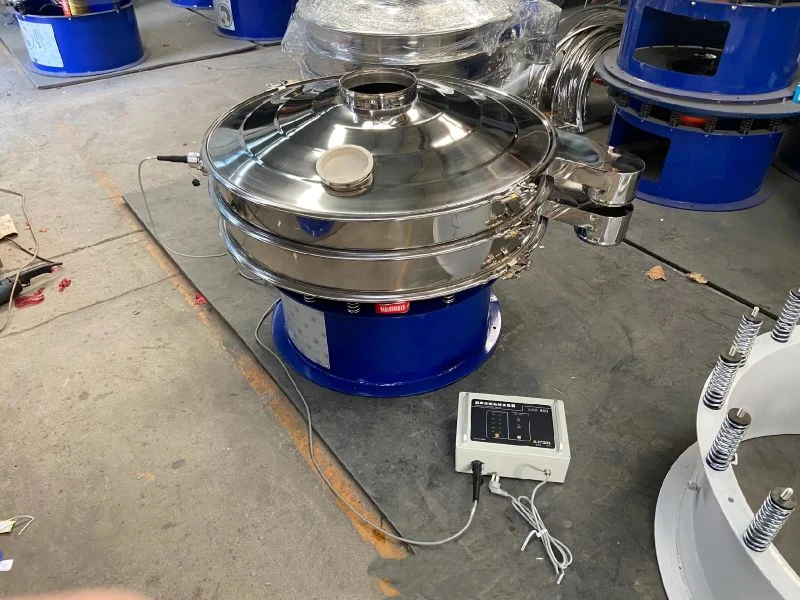
Circular Vibrating Screen Not Feeding? Quick Troubleshooting Checklist
| Symptom | Common Cause | 솔루션 |
| Material stays in the center | Low vibration force or incorrect weight angle | Check and adjust the vibration settings |
| Material moves too slowly | Low screen angle or insufficient vibration | Adjust the screen angle and vibration force |
| Material moves to one side | Uneven installation or feeding | Check the machine level and feed position |
| Material builds up | Excessive feed rate or blocked mesh | Reduce feed rate and clean the screen |
| Material sticks to the mesh | Wet or sticky material | Clean the mesh and improve material flowability |
| Material does not reach the outlet | Incorrect settings or blocked outlet | Check vibration, screen angle, and outlet |
| Screen vibrates abnormally | Motor, spring, bearing, or bolt problem | Inspect and repair mechanical parts |
| Screening capacity drops | Mesh blockage, overfeeding, or abnormal vibration | Check the mesh, feed rate, and vibration system |
How to Troubleshoot a Circular Vibrating Screen Step by Step
If your circular vibrating screen not feeding problem continues, follow these steps to check the machine in a logical order.
Step 1: Check the Vibration
First, check whether the vibration motor is running normally. Check the eccentric weights, vibration direction, and motor settings. If the vibration is too weak, too strong, or the settings are incorrect, material may not move properly.
Step 2: Check the Screen Mesh
A blocked or uneven mesh can slow down material flow and cause buildup, which is a common reason for a circular vibrating screen not feeding properly.
Step 3: Check the Feed Rate
Too much material or feeding from one side can cause buildup and poor material flow, making the circular vibrating screen not feeding properly.
Step 4: Check the Material
Check whether the material is wet, sticky, or easy to form lumps. Fine powder and sticky materials can block the mesh and make material movement difficult.
Step 5: Check the Screen Level and Inclination
Make sure the machine is installed level and the screen angle is suitable for the material. Also check the support springs, foundation, and other fixing parts.
Step 6: Check the Mechanical Parts
Finally, inspect the vibration motor, bearings, springs, bolts, and other mechanical parts. Loose or damaged parts can cause abnormal vibration and affect material flow.
How to Prevent Material Flow Problems on a Circular Vibrating Screen
Proper operation and regular maintenance can help prevent a circular vibrating screen from not feeding properly. In most cases, good material flow depends on the feed rate, screen mesh, vibration settings, material properties, and machine condition.
Maintain a Stable Feed Rate
Keep the feed rate steady and even. Avoid feeding too much material at once, as an excessive material layer can slow down material flow on the vibrating screen and cause buildup.
Keep the Screen Mesh Clean
Clean the screen mesh regularly, especially when screening fine powder, wet powder, or sticky materials. A blocked or blinded mesh can stop material from moving properly and reduce screening efficiency.
Check Vibration Settings Regularly
Check the vibration motor, eccentric weights, and vibration settings before operation. Make sure the vibration force and direction are suitable for the material. Incorrect settings can cause poor material flow on a circular vibrating screen.
Inspect Springs, Bearings, and Bolts
Check the support springs, bearings, bolts, and other key parts regularly. Loose or damaged parts can cause abnormal vibration and affect vibrating screen material flow.
Match the Screen to the Material
Choose the right screen mesh and cleaning method based on the material. Fine powder, sticky materials, and low-flowability materials may need additional screen cleaning solutions, such as bouncing balls or an ultrasonic cleaning system.
Regular inspection and preventive maintenance can help prevent circular vibrating screen feeding problems, reduce material buildup, and keep the screening process running smoothly.
결론
When a circular vibrating screen not feeding properly is affecting production, the problem is usually related to vibration settings, screen mesh, feed rate, material properties, installation, or mechanical parts. Checking these factors step by step can help restore normal material flow and improve screening performance.
If the problem continues after basic troubleshooting, the screen may not be properly matched to your material or production requirements. Contact us to discuss your material, required capacity, mesh size, and screening conditions. Our team can help you find a suitable circular vibrating screen and recommend the right configuration for your application.
This circular vibro sifter troubleshooting guide explains the main causes of poor material flow and provides practical solutions to help restore normal feeding.